
Salvobet Mobile Login: Add to Home Screen Without an App
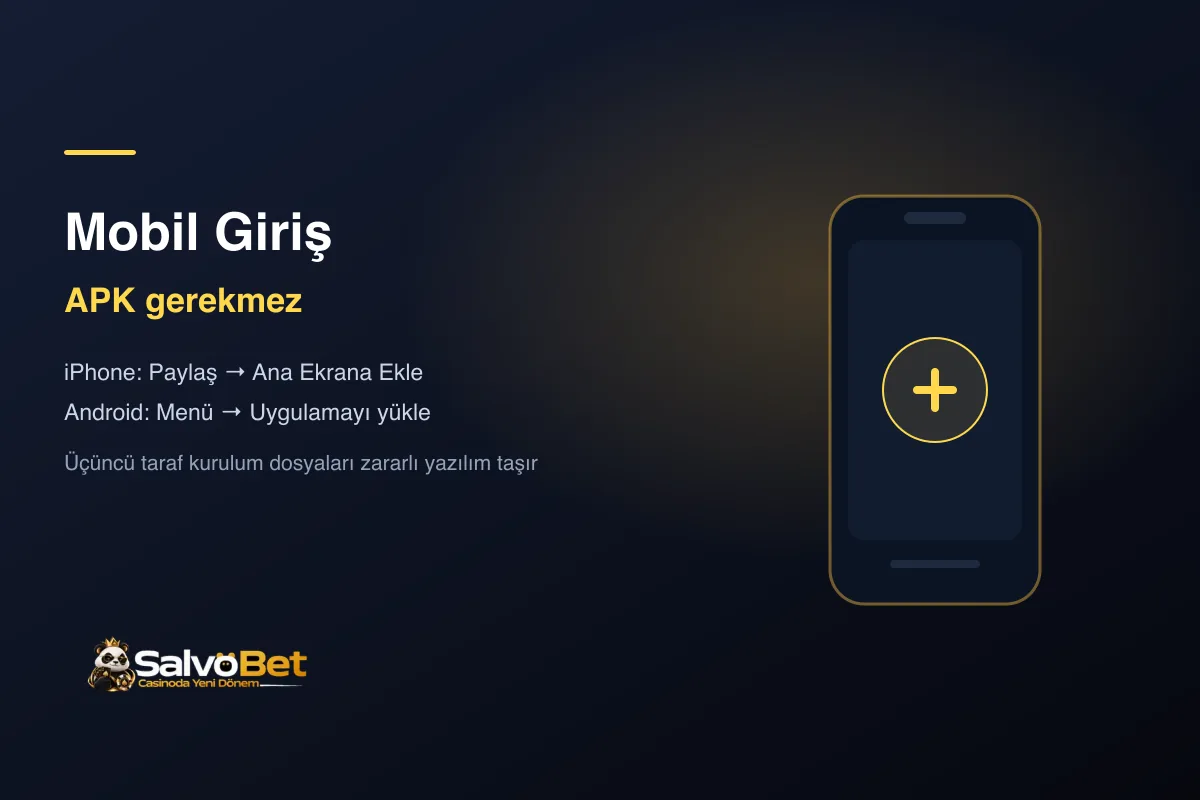
A player's first reflex on mobile is to search an app store or type "apk" into a search engine. Let us say it up front: there is no need, and it carries risk.
Salvobet runs in the browser. Opened in your phone's browser, the site shows the same account, the same balance and the same games as on desktop. The only difference is screen size.
Why you should not search for an APK
Installer files downloaded from third-party sites are malware's favourite carrier in the betting world. The logic is simple: attackers know people search for an "official app", so that is exactly the name they use.
Even when the downloaded file does open the site, it can host a keylogger in the background or overlay a fake login form to harvest your password. No win is worth that risk.
If we ever publish an official store app, it will be announced on the Telegram channel. Any installer not announced there does not belong to us.
iPhone: add to home screen
Open the site in Safari, then:
- Tap the Share button at the bottom (the arrow rising out of a box).
- Scroll the list and tap Add to Home Screen.
- Confirm the name and tap Add.
A Salvobet icon appears on your home screen. Opening it runs full screen without an address bar — in look and feel, no different from an app.
One note: this only works in Safari. If you use Chrome or another browser, open the site in Safari first.
Android: install as an app
Open the site in Chrome, then:
- Tap the three-dot menu at the top right.
- Tap Install app (in some versions, "Add to Home screen").
- Tap Install.
The icon appears on your home screen and in the app drawer. Chrome sometimes also shows this option as a small install icon at the right of the address bar.
Why does mobile sometimes stutter?
If a game screen freezes or the balance updates late, the culprit is usually the connection or the browser rather than the site:
- Turn off data saver. Both Chrome's saver and some phones' own saver modes can cut live casino streams and game audio.
- Reduce open tabs. A live casino stream consumes memory; with dozens of tabs open behind it, the stream stutters.
- Do not play live with battery saver on. Low power mode throttles background network traffic, delaying odds updates in live betting.
- Clear the cache. A site not opened for a long time may be holding stale files.
What works on mobile?
Everything. Sports betting, live betting, slots, live casino tables, deposits and withdrawals, uploading verification documents — all of it from a phone. Slot demos run on mobile too; the testing method in our slot demo guide works the same way on a small screen.
If you are stuck on the access address, see Salvobet login and current address.
Related Posts
 Guides
Salvobet Login: Current Address and Safe Account Access
Where to find the current login address, how to spot cloned sites, and what happens to your balance when the address changes.
 Guides
Salvobet on X (Twitter): Verify the Official Account
The official X account is @salvobet. How to verify it in three steps, the recurring patterns of fake profiles, and which channel does what.
 Guides
Salvobet Registration: Account Setup and Verification
Which field on the signup form matters and why, when to complete identity verification, and what to watch for when choosing a first-deposit bonus.